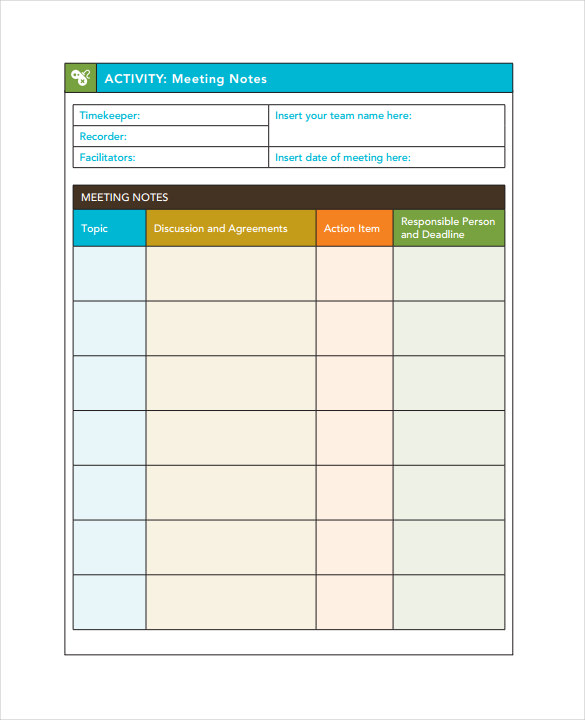
Struggling to remember what was decided in last week's meeting? You're not alone. Ineffective meetings and poor note-taking can lead to missed deadlines, confusion, and a frustrating cycle of discussing the same topics repeatedly. The solution is often simpler than you think: implementing a standardized Meeting Note Taking Template. This structured approach transforms chaotic discussions into clear, actionable outcomes, ensuring that every participant leaves with a unified understanding of decisions, responsibilities, and next steps. Without a consistent format, notes become a collection of random thoughts, making it nearly impossible to track progress or hold team members accountable.
A meeting note template is more than just a blank page; it's a strategic tool designed to guide the note-taking process. It provides a predefined structure for capturing the most critical information, such as the meeting's purpose, a list of attendees, agenda items, key discussion points, and most importantly, a log of decisions and action items. By standardizing this process across a team or an entire organization, you eliminate ambiguity and create a reliable system of record for all important conversations. This consistency not only saves time during and after the meeting but also empowers anyone, even those who were absent, to quickly get up to speed.

The true power of using a template lies in its ability to shift the focus from passive listening to active engagement. When a note-taker has a clear framework to follow, they can more easily identify and document the crucial outputs of a discussion rather than trying to transcribe the entire conversation. This leads to more concise, relevant, and useful meeting minutes.
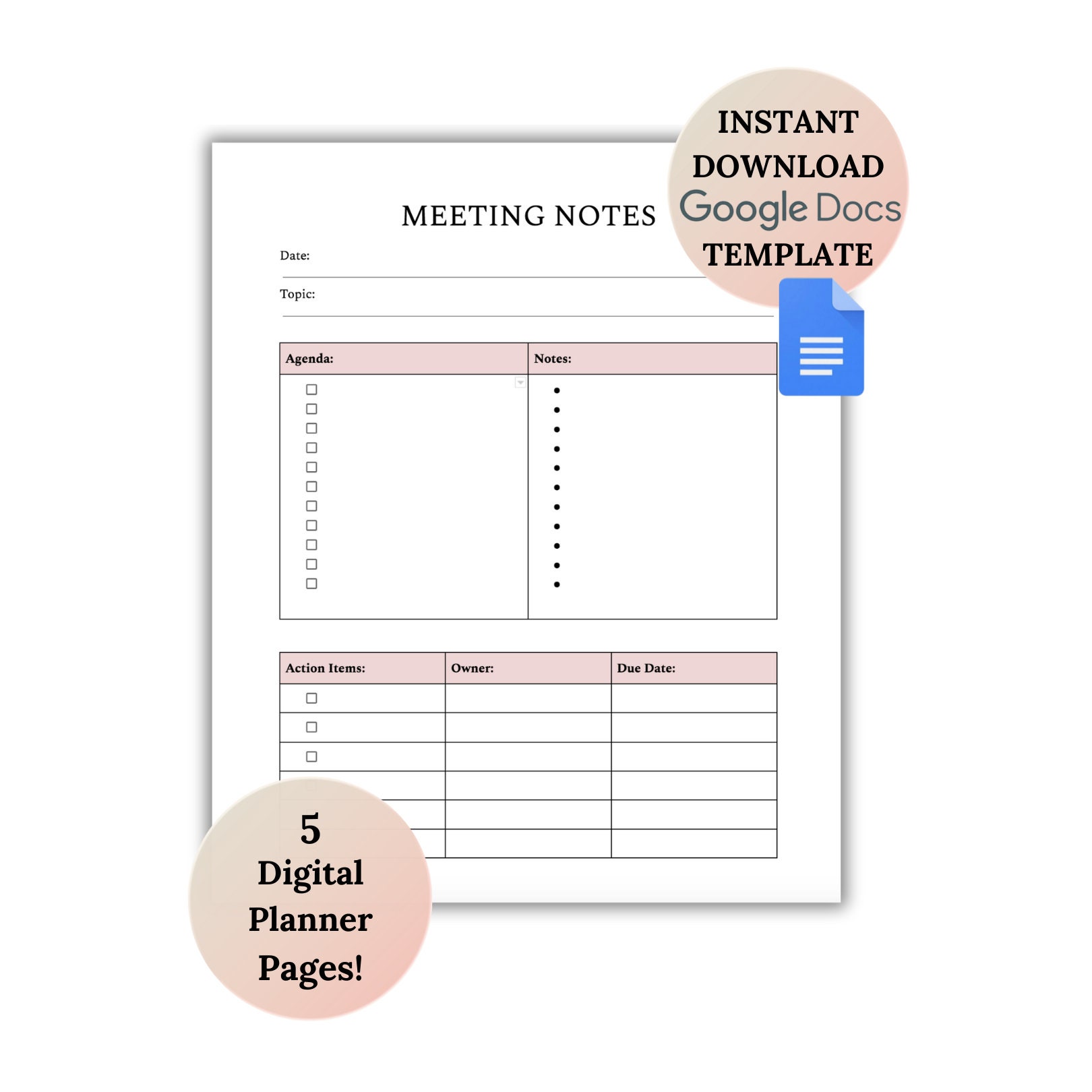
This article will serve as your comprehensive guide to mastering the art of meeting notes. We'll break down the essential components of an effective template, explore various formats suited for different types of meetings, and provide best practices for capturing information accurately. Whether you're a project manager, a team lead, or an individual contributor, adopting a structured template will revolutionize your meeting productivity and drive better results.
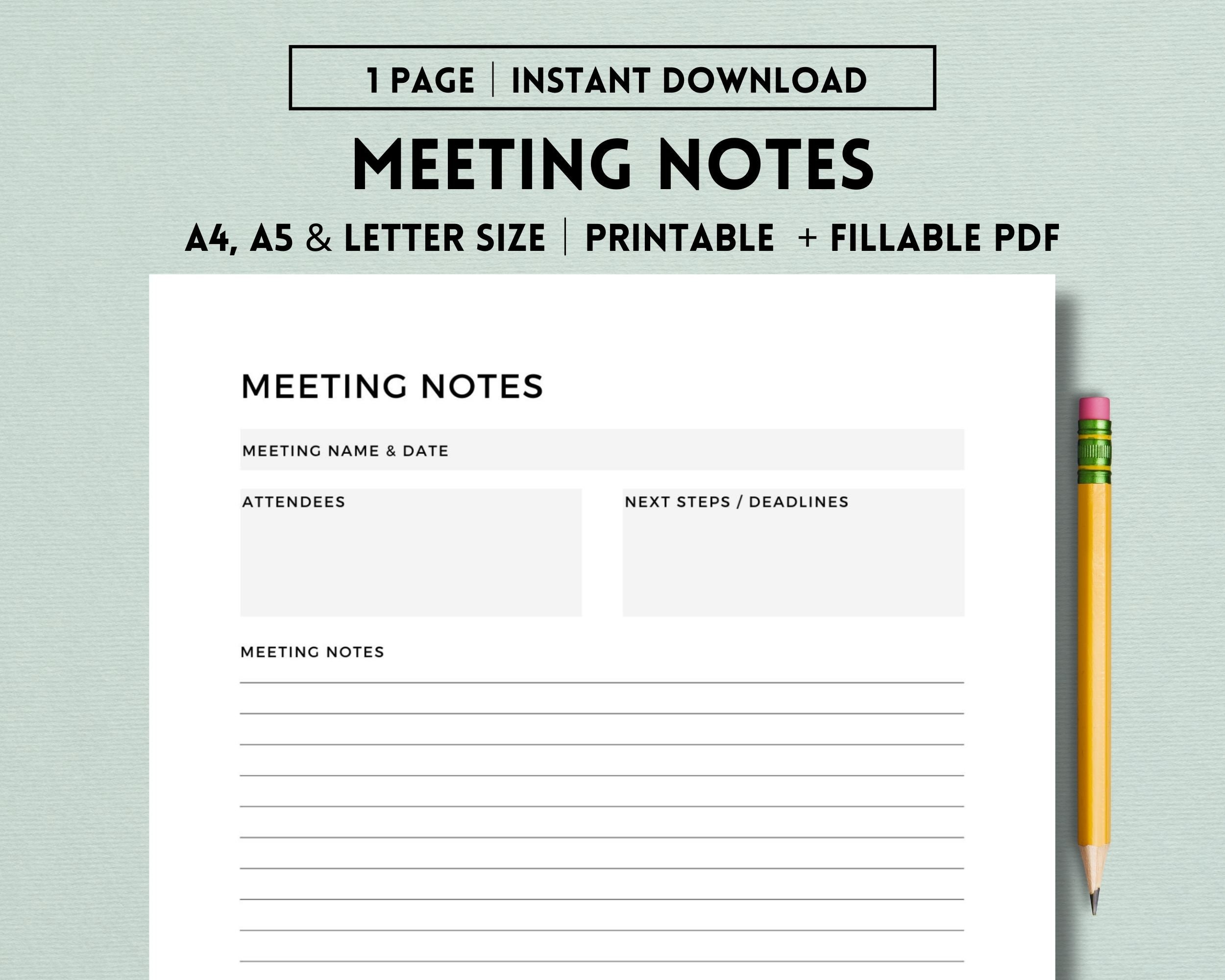
Why a Standardized Meeting Note Template is a Game-Changer
Adopting a consistent template for meeting notes isn't just about being organized; it's a fundamental shift that directly impacts productivity, clarity, and accountability. It transforms meeting notes from a personal memory aid into a powerful communication and project management tool for the entire team.
Enhances Clarity and Consistency
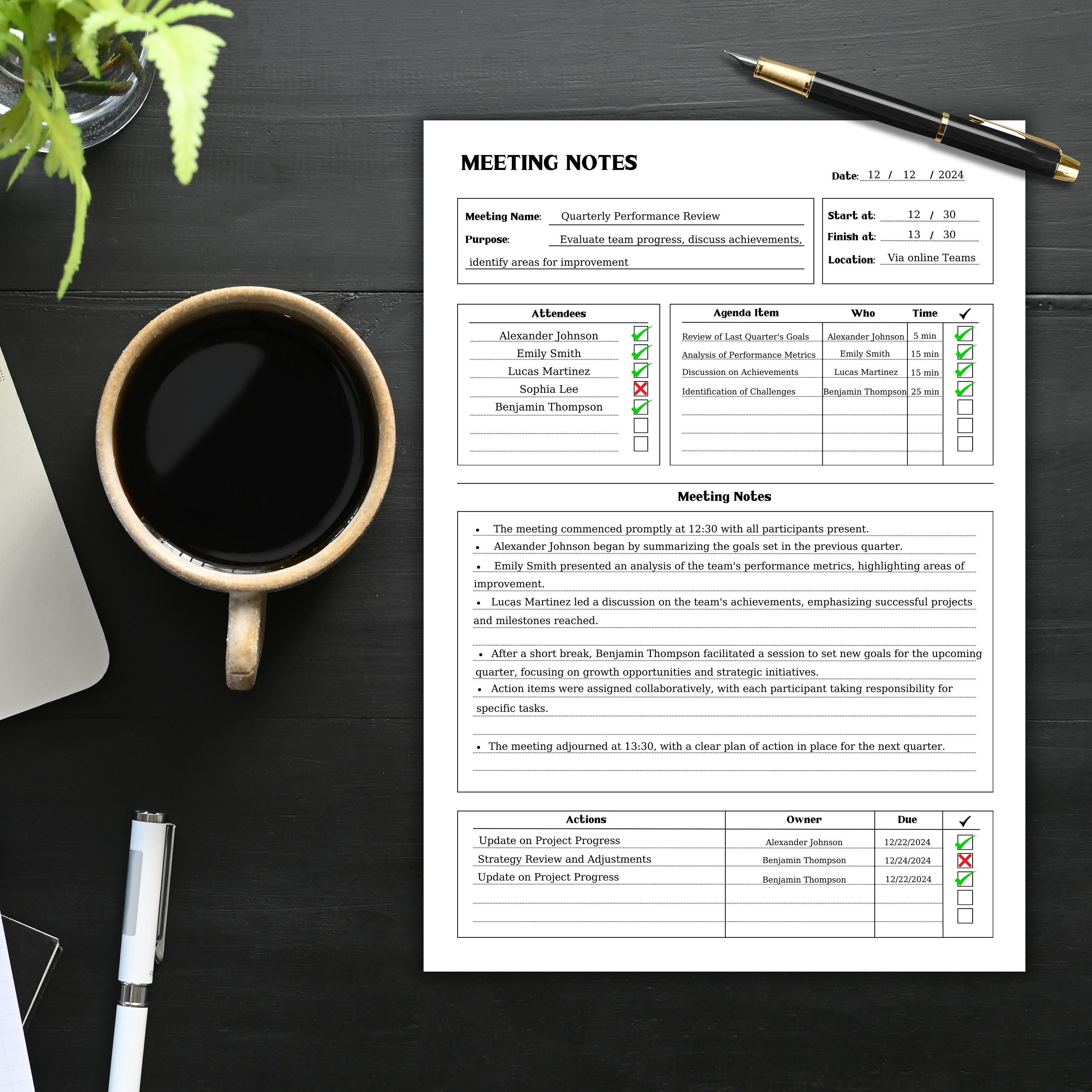
When everyone uses the same format, the notes become instantly understandable to all stakeholders. There's no need to decipher a colleague's unique shorthand or search for a buried action item. Key information like decisions, due dates, and owners is always found in the same place. This consistency ensures that whether you attended the meeting or are reading the notes afterward, the takeaways are clear and unambiguous. It creates a shared language for meeting outcomes across the organization.
Boosts Accountability and Follow-Through
This is perhaps the most significant benefit. A great template has a dedicated section for action items, explicitly stating what needs to be done, who is responsible for doing it, and when it needs to be completed. When these details are clearly documented and distributed, it creates a culture of accountability. Team members can no longer say, "I didn't know that was my task." The notes serve as a public record of commitments, making it easy to track progress and ensure that important initiatives don't fall through the cracks.
Saves Time and Improves Efficiency
A pre-built template streamlines the entire note-taking process. Before the meeting, you can pre-populate it with the agenda, attendees, and objectives. During the meeting, you're not scrambling to create a structure; you're simply filling in the blanks. This allows you to listen more actively to the discussion. After the meeting, the time spent cleaning up, formatting, and distributing the notes is drastically reduced. The structured format makes the information easy to digest, saving everyone time.

Creates a Searchable, Historical Record
Over time, your collection of meeting notes becomes an invaluable knowledge base for your team or project. Need to remember why a specific decision was made six months ago? A quick search of your consistently formatted notes can provide the answer and the context. This institutional memory is crucial for onboarding new team members, avoiding repeat mistakes, and demonstrating a clear history of a project's evolution and key pivot points.
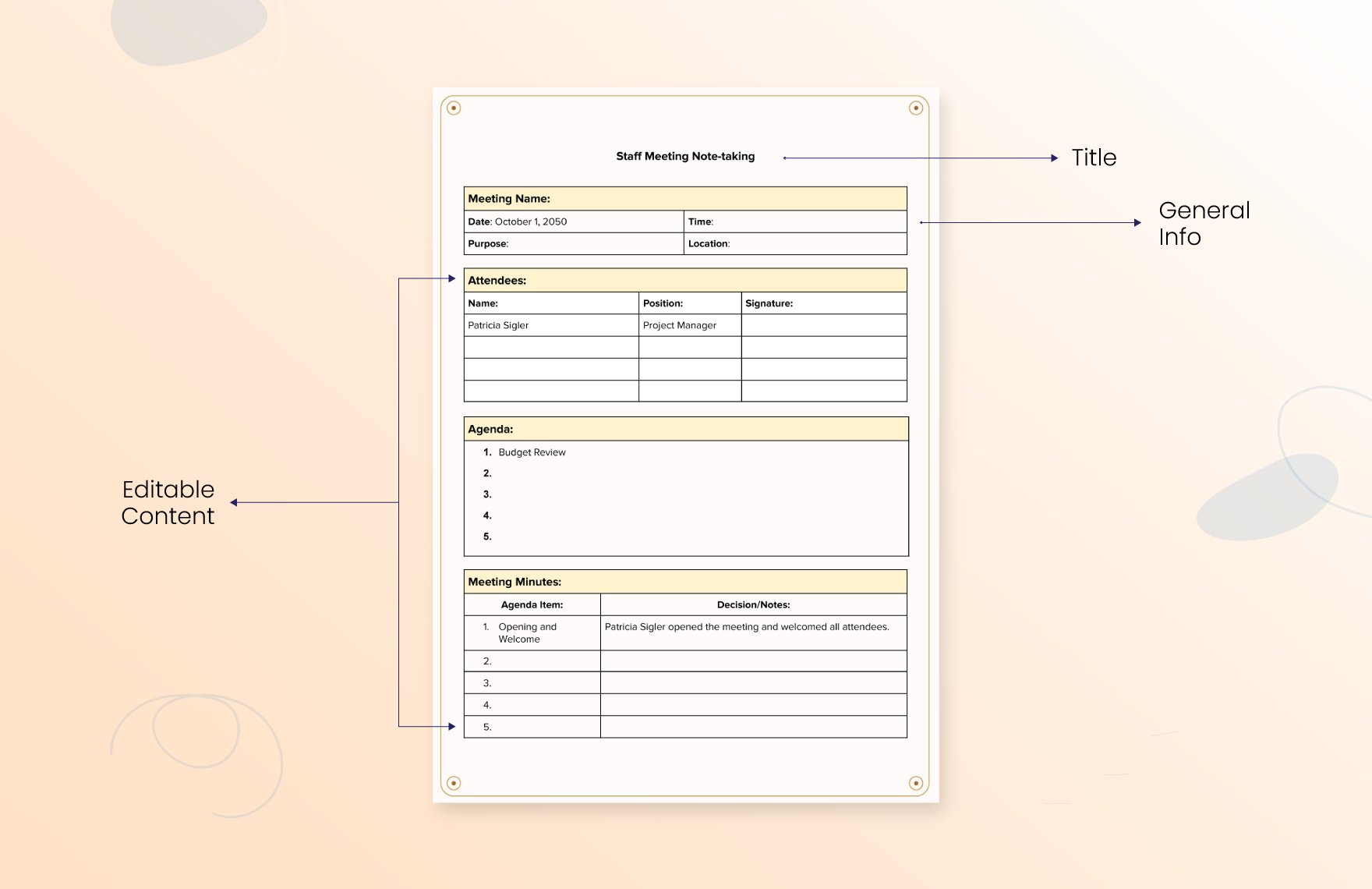
The Essential Components of Any Effective Meeting Note Taking Template
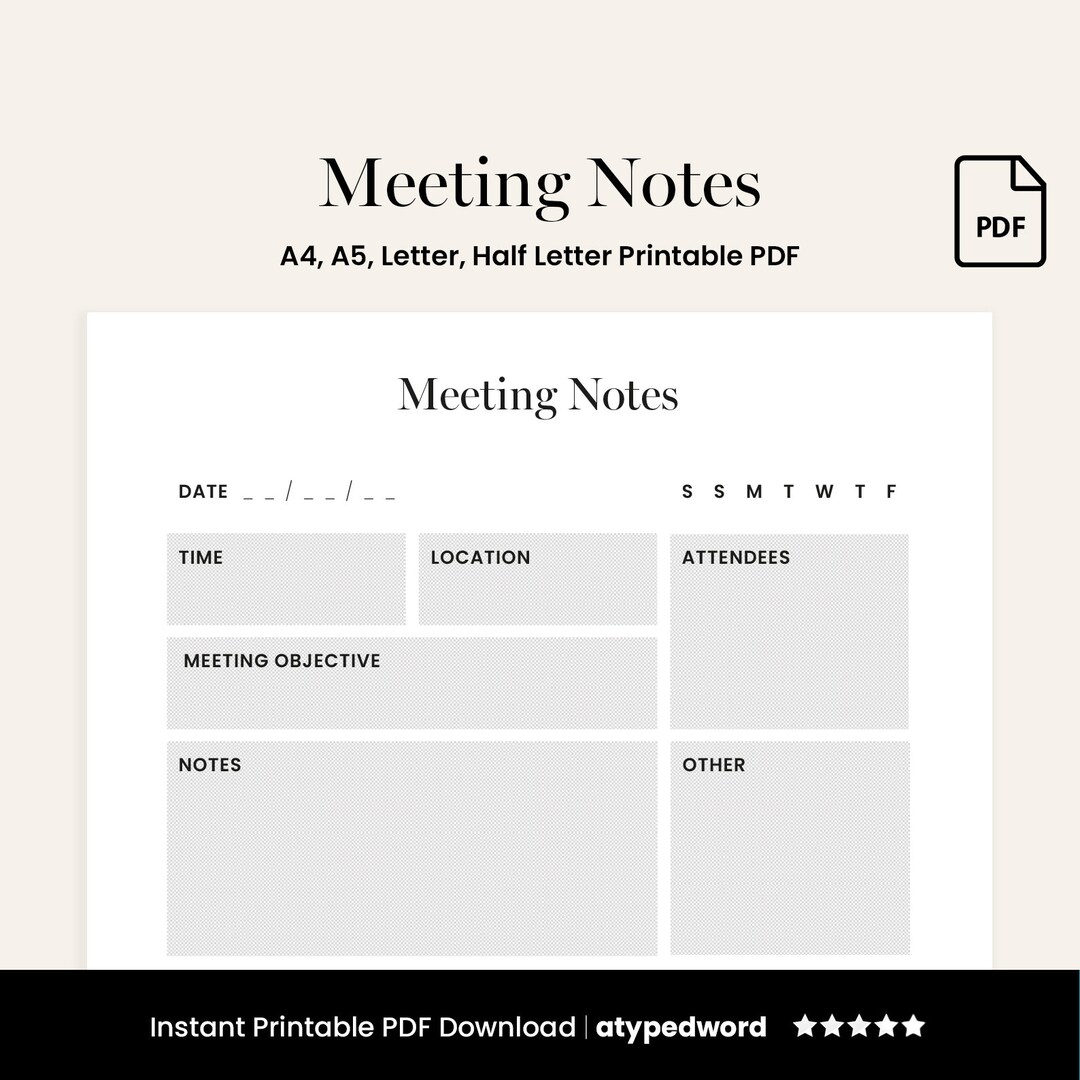
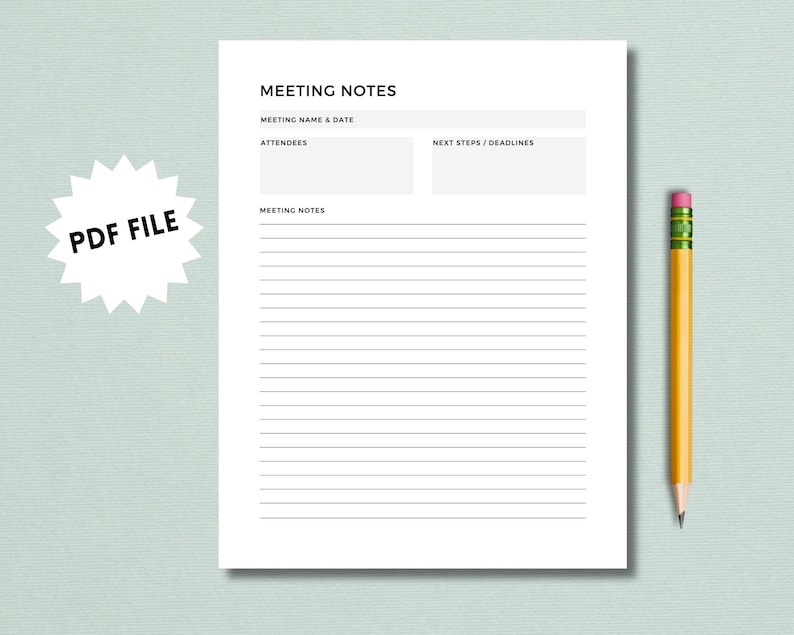
While templates can be customized, a truly effective one contains several core components that ensure no critical information is missed. These elements provide structure before, during, and after the meeting.
Pre-Meeting Information
This section sets the stage and provides essential context. It should be filled out before the meeting begins and serves as the official header for the document.
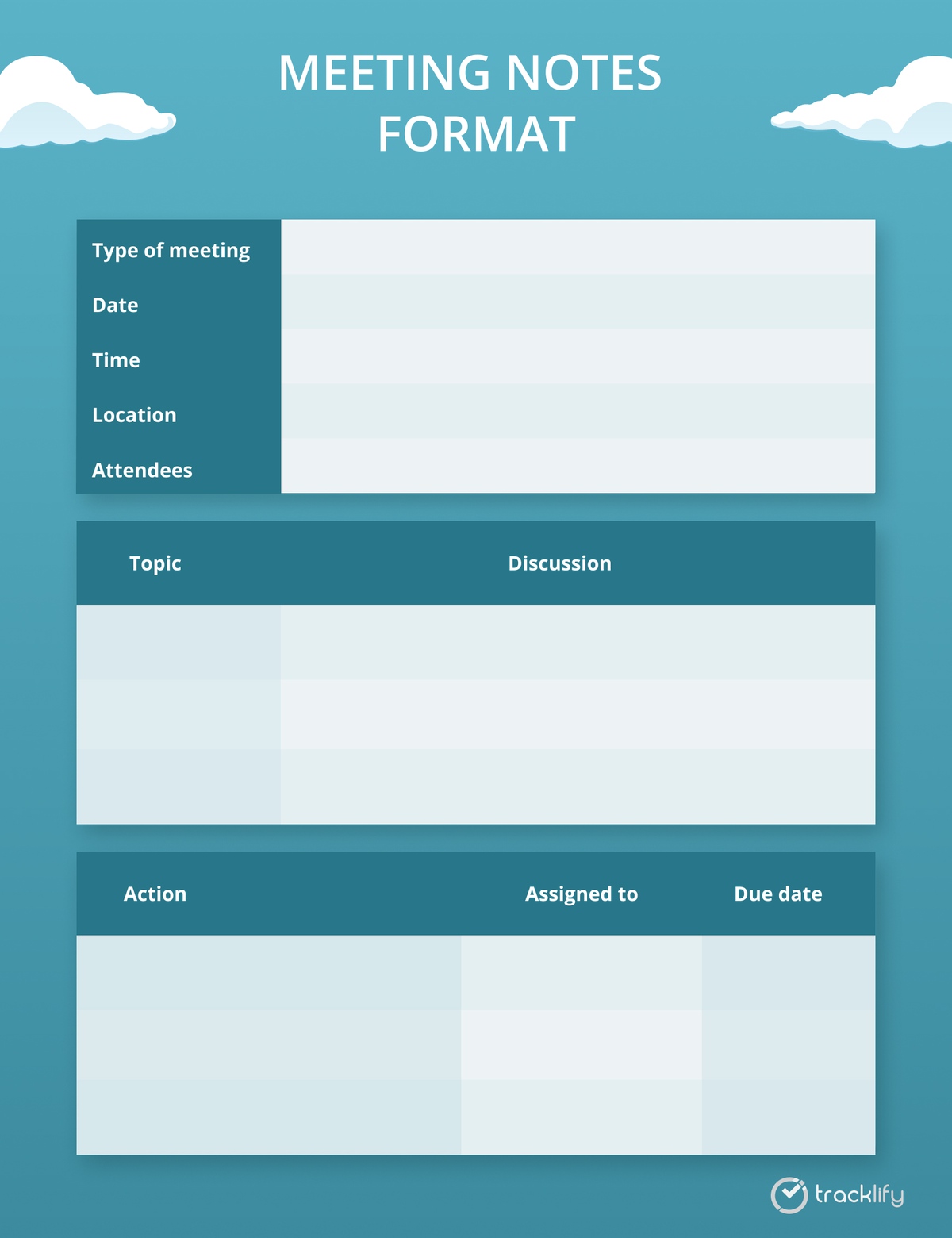
- Meeting Title: A clear and descriptive title (e.g., "Q3 Marketing Strategy Kick-off").
- Date & Time: The exact date and time the meeting took place.
- Location: The physical room or virtual meeting link (e.g., Zoom, Google Meet).
- Attendees: A list of everyone who was present.
- Absentees: A list of invited individuals who could not attend.
- Meeting Objective: A single, concise sentence defining the purpose of the meeting (e.g., "To finalize the content calendar for the upcoming product launch.").
The Agenda
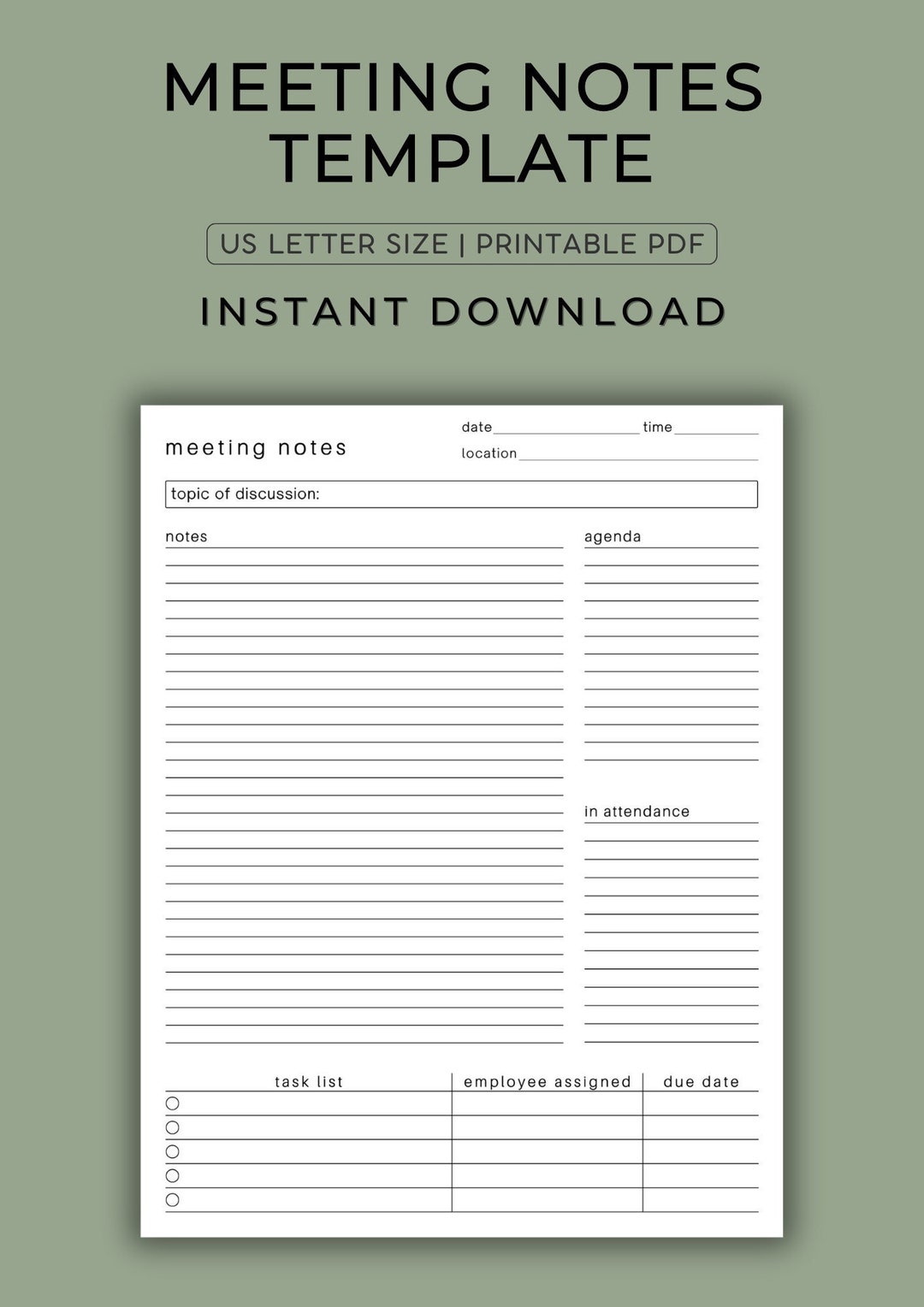
The agenda is the roadmap for the meeting. Including it in the notes ensures the discussion stays on track and provides a logical structure for the notes themselves. List each topic or question to be discussed, ideally with an estimated time allocation and the person leading that part of the discussion.
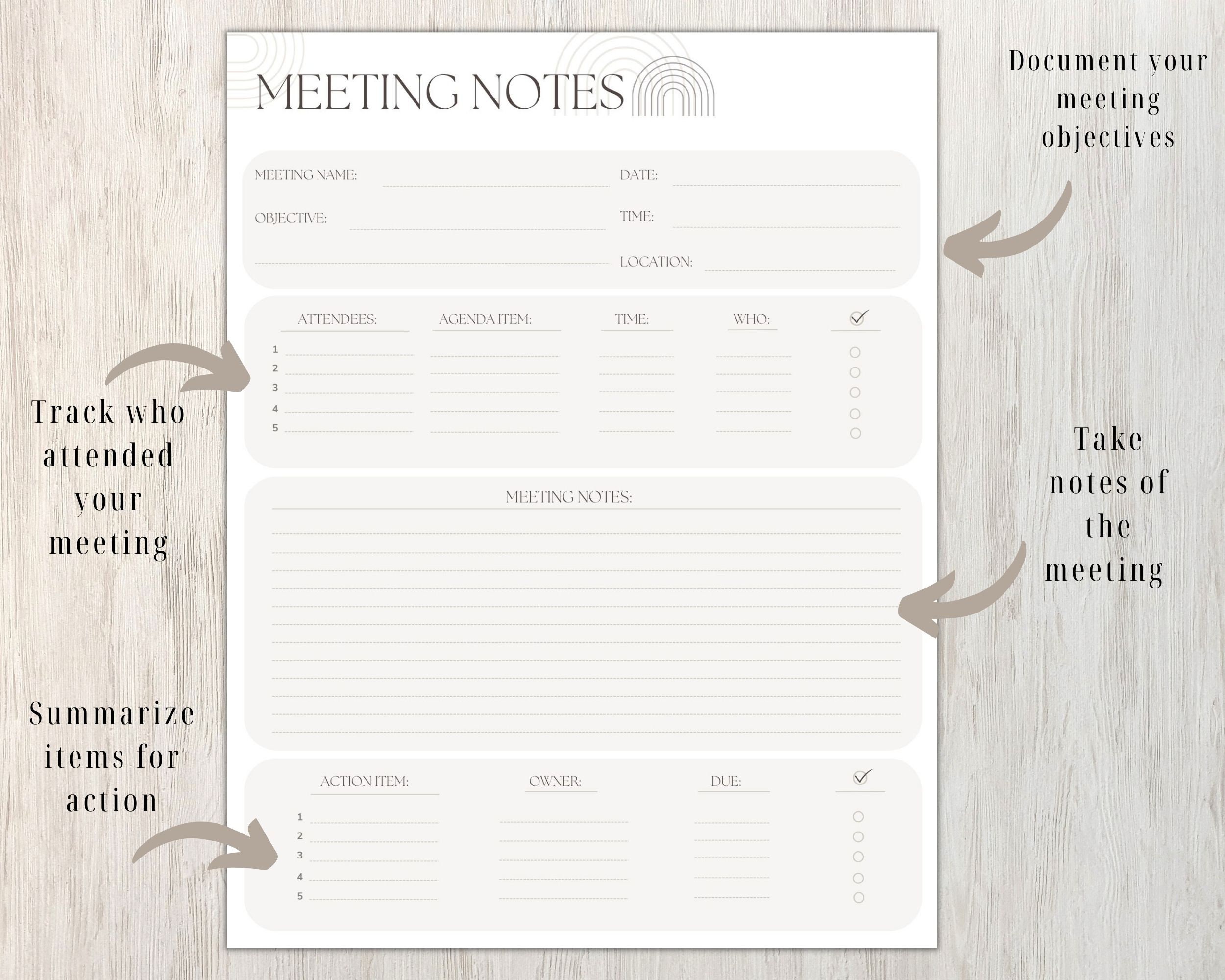
The Core Notes Section
This is the main body of the document where the substance of the conversation is recorded. Instead of a single, massive text block, it's best to organize these notes under each corresponding agenda item. For each item, document:
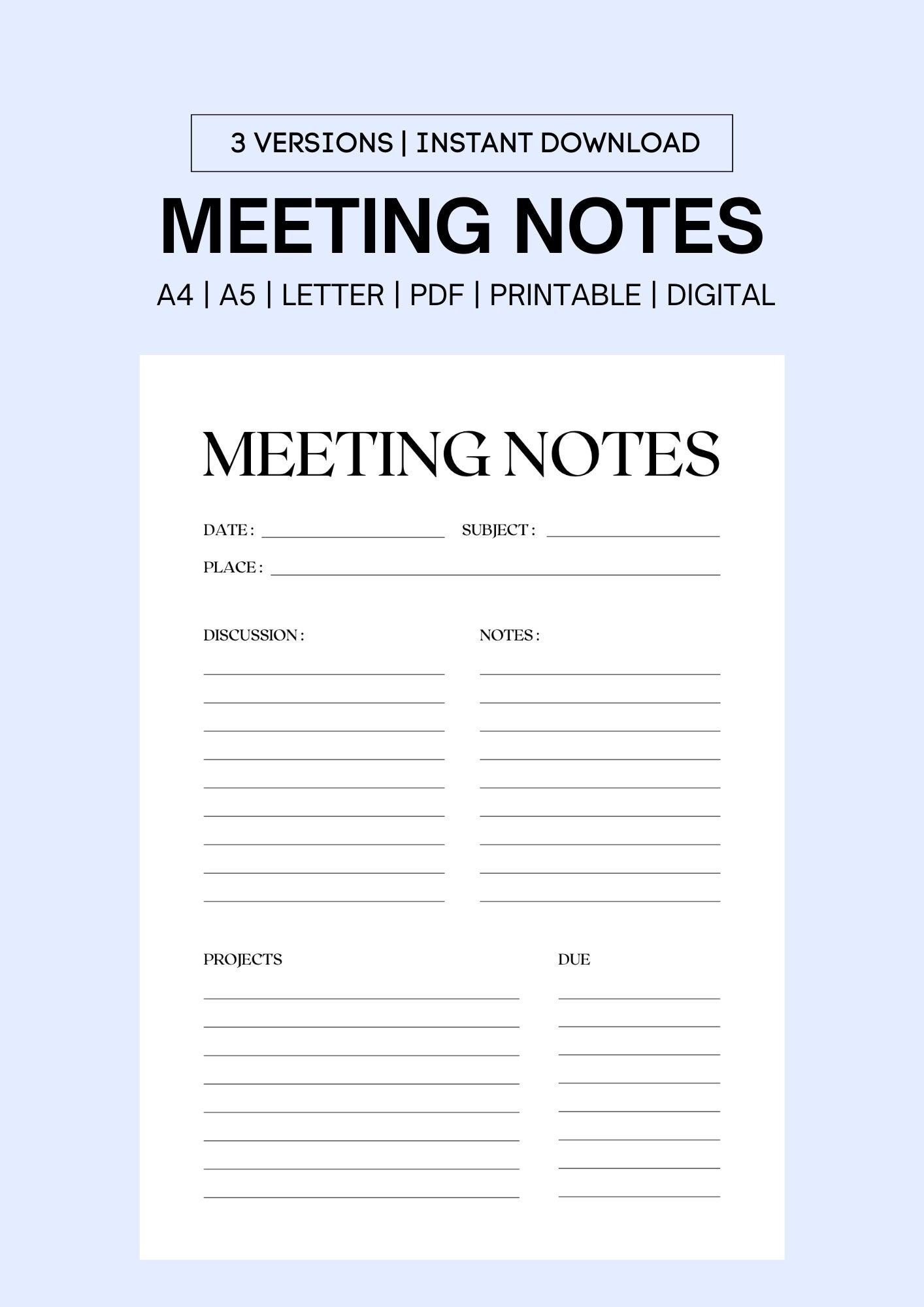
- Key Discussion Points: Summarize the main arguments, ideas, and data presented. This should not be a word-for-word transcript.
- Questions Raised: Note any significant questions that came up, especially those that require follow-up.
- Decisions Reached: Clearly state any final decisions made related to that topic.
Action Items
This is the most critical output of any productive meeting. Action items must be specific, measurable, and assigned. A simple table is the most effective way to capture this information, with columns for:
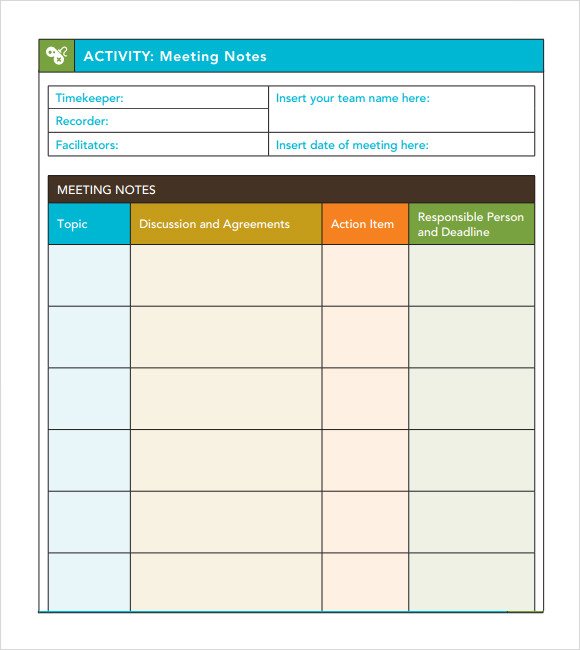
- Task: A clear and concise description of the action required.
- Owner: The single individual responsible for ensuring the task is completed.
- Due Date: The specific deadline for completion.
- Status: A field to track progress (e.g., Not Started, In Progress, Complete).
Decisions Log
While decisions might be mentioned within the notes for each agenda item, having a separate summary log at the top or bottom of the document is extremely useful. This provides a quick, at-a-glance reference to all major resolutions made during the meeting without needing to read through all the discussion points.
Parking Lot / For Next Time
Inevitably, great ideas or important topics will arise that are outside the scope of the current meeting's agenda. A "Parking Lot" section is the perfect place to capture these items. This acknowledges the idea's value without derailing the current conversation and ensures it can be added to the agenda for a future meeting.
Popular Meeting Note Taking Formats and Methods
There is no one-size-fits-all approach to note-taking. Different meeting types and personal styles call for different formats. Here are a few popular and effective methods you can adapt for your template.
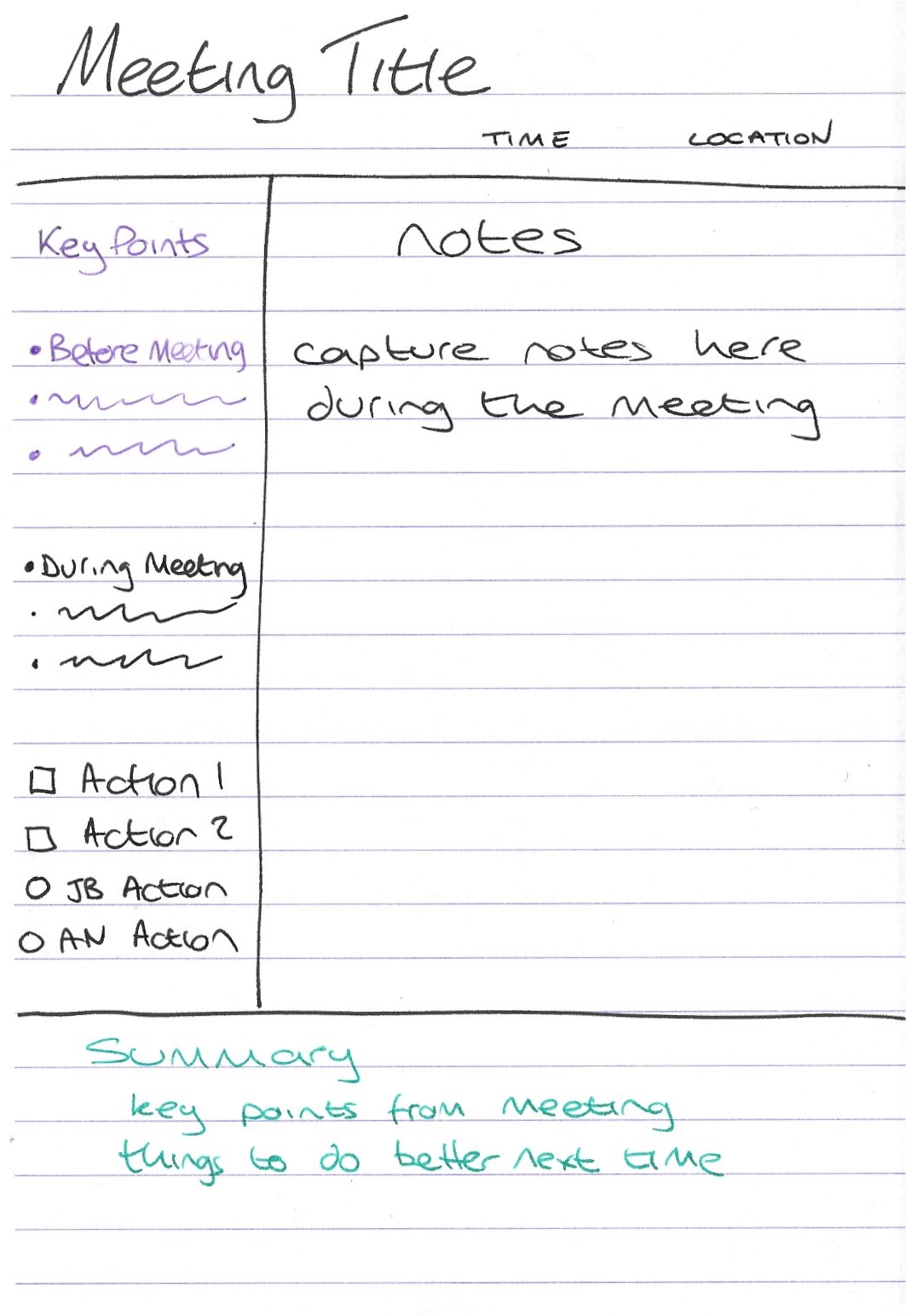
The Cornell Method
Originally developed for student lecture notes, the Cornell Method is surprisingly effective for meetings. Divide your page into three sections:

- Main Notes Area (Right): The largest section, where you take notes during the meeting using the standard agenda-based format.
- Cues/Questions Column (Left): After the meeting, review your notes and pull out key ideas, questions, and keywords into this smaller column. This helps in summarizing and quickly locating information later.
- Summary Section (Bottom): At the very bottom of the page, write a one or two-sentence summary of the entire meeting. This forces you to synthesize the key takeaways.
The Outline Method
This is one of the most natural and widely used methods, especially for meetings with a clear, hierarchical agenda. You use bullet points, numbers, and indentation to create a logical structure.

- Main agenda items are top-level bullet points (
-or*). - Discussion points under an item are indented sub-bullets.
- Decisions and action items can be clearly marked with a specific symbol (e.g.,
[D]for decision,[A]for action) for easy scanning.
This method is excellent for its clarity and how it reflects the flow of the conversation.
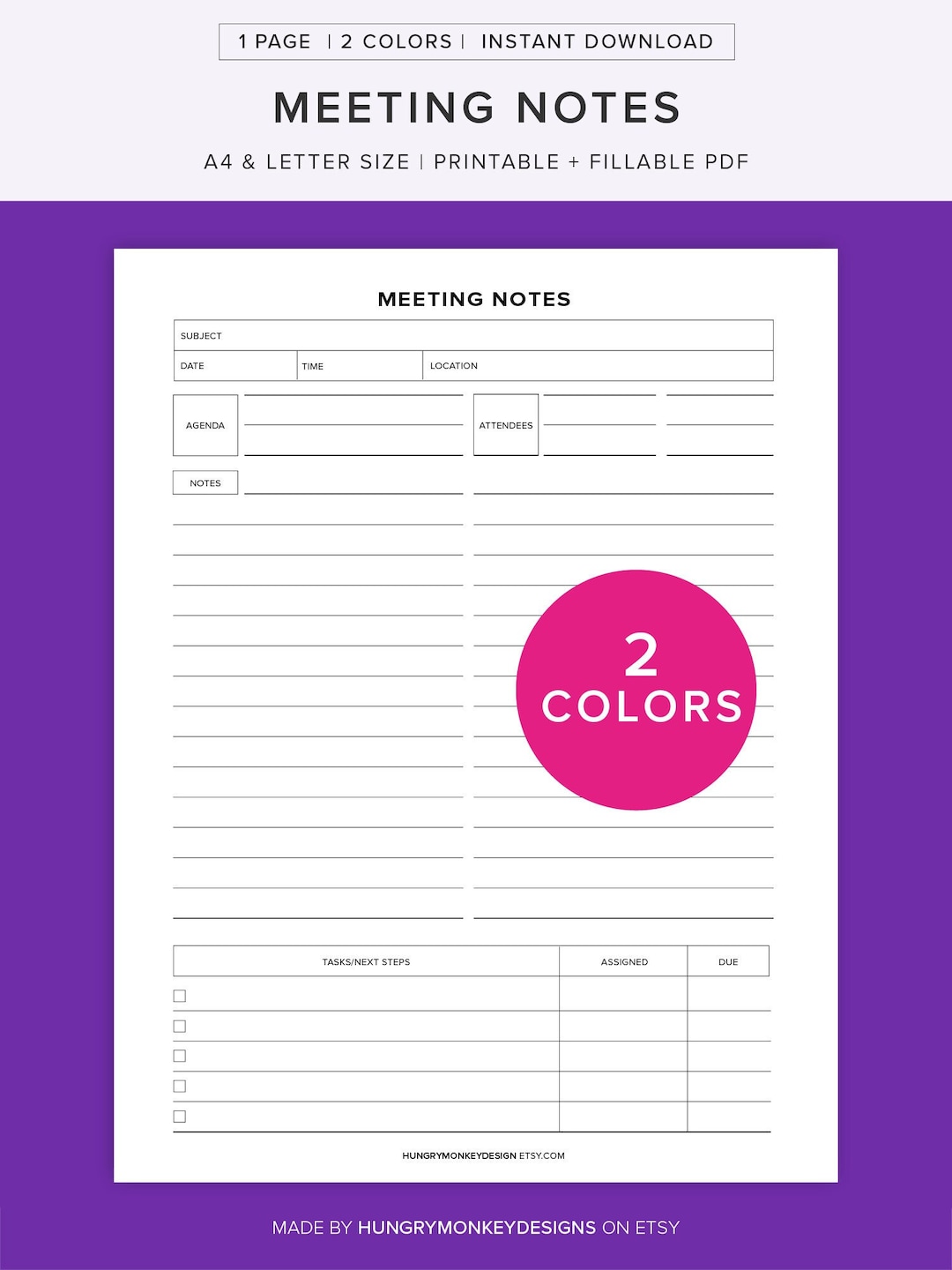
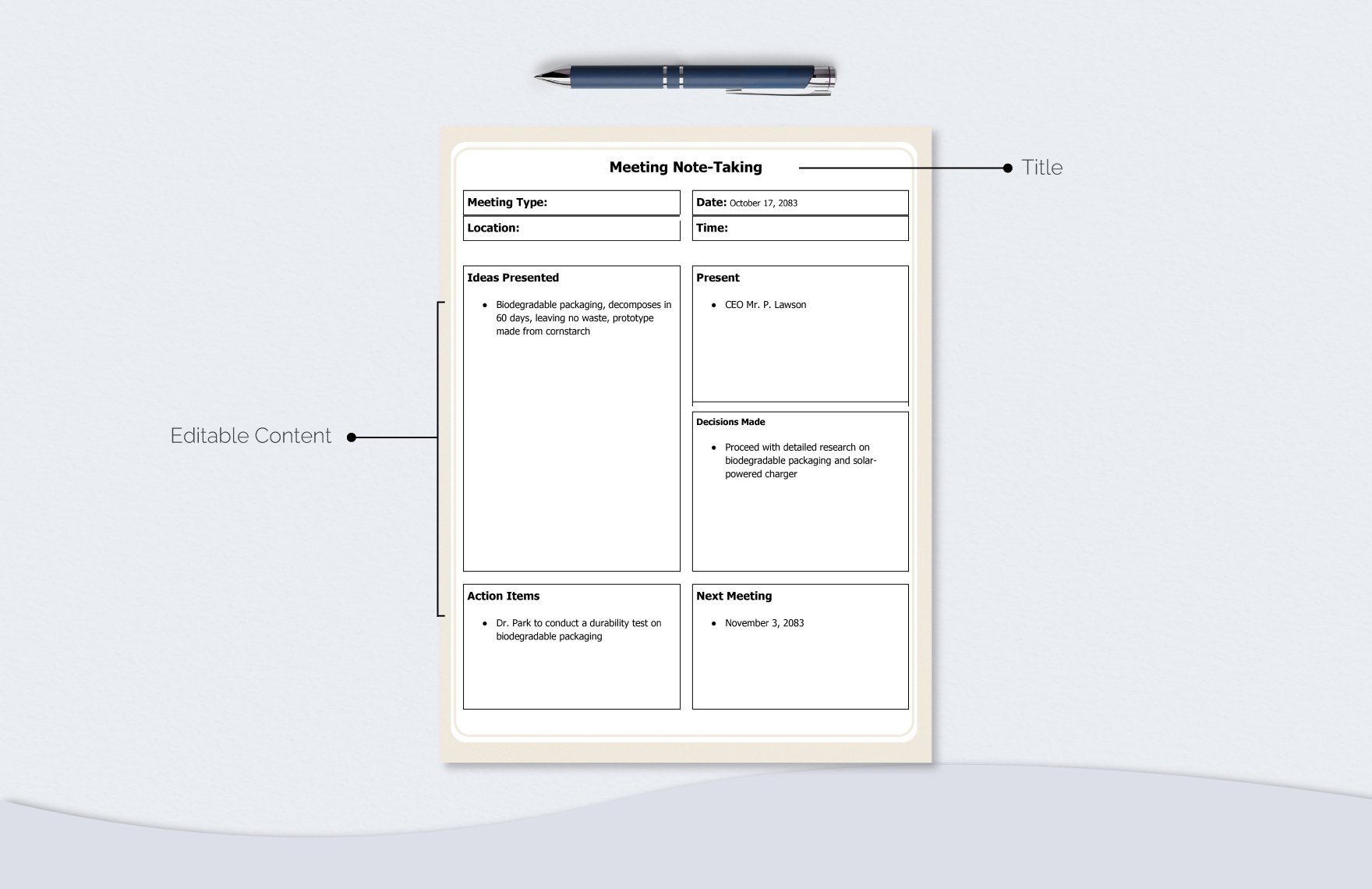
The Quadrant Method
This visual method is perfect for those who prefer a less linear format. You divide your page into four equal squares, each with a specific purpose:
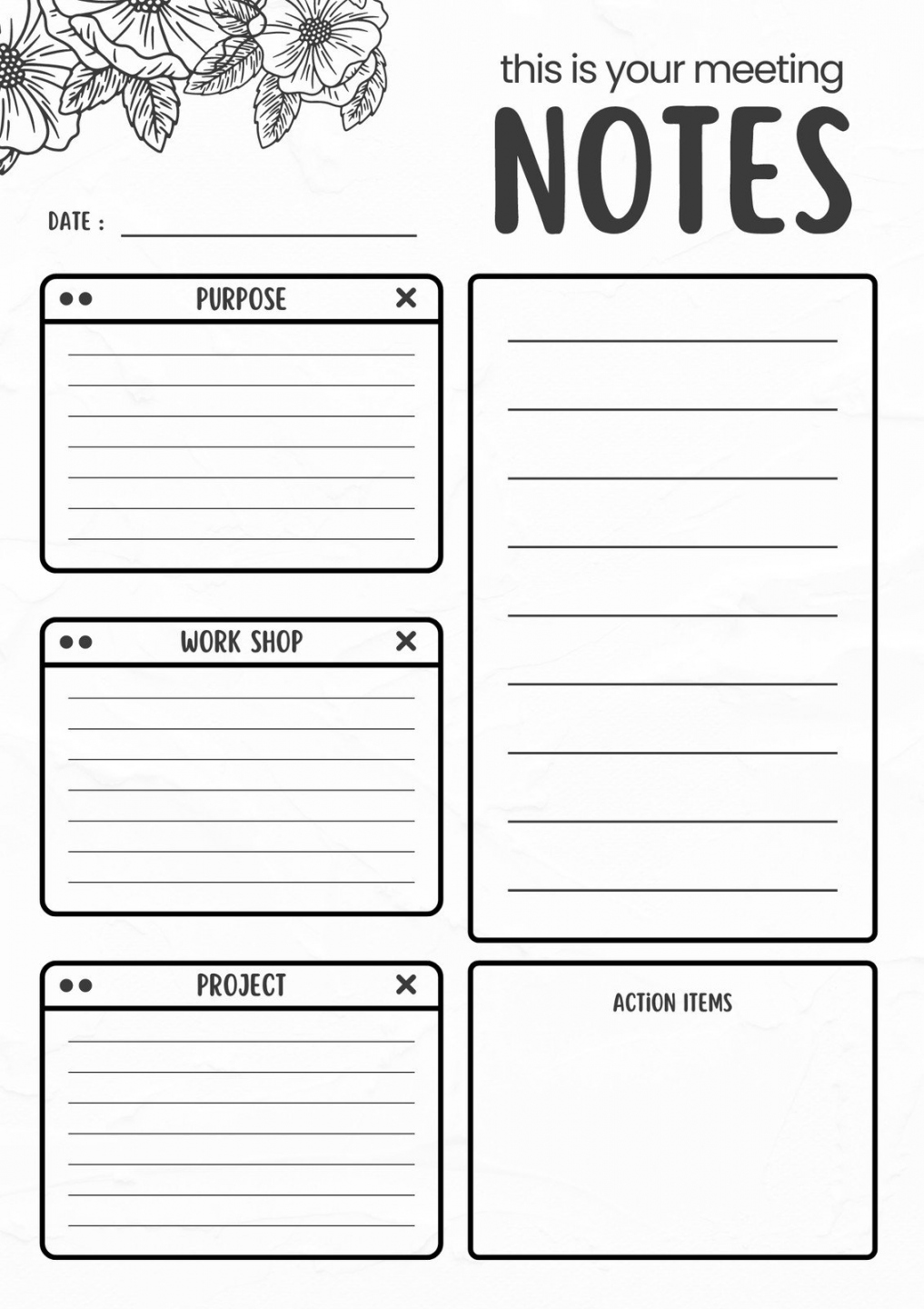
- General Notes / Discussion: For free-flowing notes on the conversation.
- Action Items: All assigned tasks and deadlines go here.
- Decisions: For logging all key decisions made.
- Parking Lot / Questions for Later: For off-topic ideas and follow-up questions.
This format is great for fast-paced, dynamic meetings as it allows you to quickly jot down information in the relevant quadrant without worrying about strict structure.
How to Choose or Create the Perfect Meeting Note Taking Template
The best template is the one your team will actually use. The key is to find a balance between comprehensive detail and user-friendly simplicity. Follow these steps to select or design the right template for your needs.
Assess Your Meeting Type
The purpose of the meeting should dictate the structure of your notes.
- Brainstorming Session: Your template should have a lot of open space for ideas, mind maps, and creative thoughts, with less emphasis on rigid action items.
- Project Status Update / Stand-up: This template should be highly structured and action-oriented, focusing almost exclusively on progress updates, blockers, and next steps.
- One-on-One Meeting: This template might include sections for employee feedback, goal tracking, and professional development topics.
- Formal Board Meeting: This will require a more rigid template that follows parliamentary procedure, including motions, votes, and official resolutions.
Consider Your Team's Workflow
The template must integrate seamlessly with how your team already works. If your team lives in Google Workspace, a Google Docs template is ideal for its collaborative features. If your projects are managed in a tool like Notion, Asana, or Trello, creating a template within that platform can be incredibly powerful, as action items can be directly converted into trackable tasks. For teams that prefer a less-tech approach, a printable PDF can work well.
A Customizable Meeting Note Taking Template Example
You can use the Markdown text below as a starting point. Copy and paste it into your favorite text editor, Google Doc, or collaboration tool and adapt it to your specific needs.
Date: YYYY-MM-DD
Time: HH:MM AM/PM
Location/Link: [Conference Room Name or Virtual Link]
Objective
- [A single sentence defining the primary goal of this meeting.]
Attendees
- [Name 1]
- [Name 2]
- [Name 3]
Absentees
- [Name 4]
Agenda
| # | Topic | Lead | Time |
|---|---|---|---|
| 1 | [Agenda Item 1] | [Name] | [X mins] |
| 2 | [Agenda Item 2] | [Name] | [Y mins] |
| 3 | [Agenda Item 3] | [Name] | [Z mins] |
Notes & Discussion
1. [Agenda Item 1 Title]
- Discussion Point:
- Discussion Point:
- Decision: [Clearly state the decision made on this topic.]
2. [Agenda Item 2 Title]
- Discussion Point:
- Discussion Point:
- Decision: [Clearly state the decision made on this topic.]
Decisions Log Summary
- [Summary of Decision 1]
- [Summary of Decision 2]
Action Items
| Task Description | Owner | Due Date | Status |
|---|---|---|---|
| [Specific, actionable task] | [Name] | YYYY-MM-DD | Not Started |
| [Specific, actionable task] | [Name] | YYYY-MM-DD | In Progress |
Parking Lot (Topics for Next Meeting)
- [Idea or topic that came up but was deferred.]
- [Another off-topic point to address later.]
Best Practices for Taking Effective Meeting Notes
Having a great template is only half the battle. How you use it determines its effectiveness. Follow these best practices to elevate your note-taking skills.
Prepare Before the Meeting
The best note-takers are prepared. Before the meeting starts, spend 10-15 minutes reviewing the agenda and any pre-read materials. Pre-populate your template with the known information: date, time, attendees, and the agenda itself. This frees up your mental energy during the meeting to focus on the conversation.
Focus on Key Information, Not Verbatim Transcription
Your goal is not to create a word-for-word transcript of the meeting. This is inefficient and results in notes that are difficult to read. Instead, train yourself to listen for the most important information:
- What decisions are being made?
- What action items are being assigned?
- What are the main conclusions or takeaways from each discussion point?
- What are the deadlines and who is responsible?
Capture these critical outputs. The rest is just conversational noise.
Use Shorthand and Abbreviations
Develop a consistent system of shorthand that works for you. This could include using initials for attendees' names, acronyms for common projects (e.g., "Q4SR" for "Q4 Sales Report"), or symbols to denote specific types of information (e.g., a checkmark for a decision, a star for an important idea). This will help you keep pace with even the fastest-moving conversations.
Review and Distribute Notes Promptly
Don't let your notes sit for days. The best time to review and clean them up is within a few hours of the meeting, while the context is still fresh in your mind. Clarify any ambiguous points, flesh out your shorthand, and ensure the action items are crystal clear. Once they are polished, distribute them to all attendees (and any relevant stakeholders who were absent) within 24 hours. Prompt distribution ensures alignment and allows team members to get started on their action items immediately.
Conclusion
Moving from unstructured, haphazard notes to a consistent and purposeful template is one of the highest-leverage changes a team can make to improve its productivity. A well-designed Meeting Note Taking Template is more than just an organizational tool; it is a catalyst for clarity, a driver of accountability, and a builder of institutional knowledge. It ensures that the valuable time spent in meetings translates directly into meaningful action and measurable progress.
By understanding the core components, exploring different formats, and adhering to best practices, you can create a system that eliminates ambiguity and keeps everyone aligned. The key is to start simple, choose a format that fits your team's workflow, and remain consistent. Stop letting valuable insights and critical tasks disappear after the call ends. Implement a template for your next meeting and transform it from a simple discussion into a powerful engine for results.
0 Response to "Meeting Note Taking Template"
Posting Komentar